
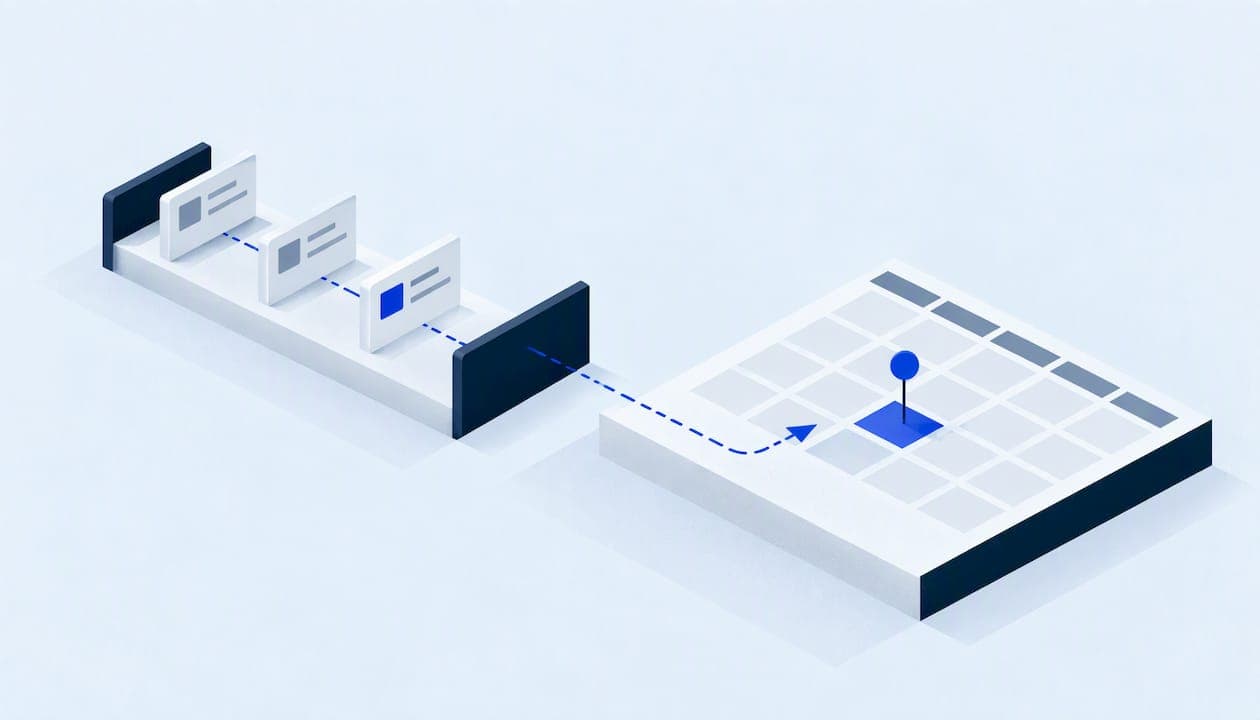
Automated appointment scheduling means a customer can request, confirm, change or cancel a visit without anyone on your team touching a calendar. The booking lands on the right technician's schedule, the customer gets a confirmation and reminders, and the details flow into the record your office already uses. For an HVAC, plumbing, roofing or water damage company, the real test is not a pretty booking page. It is whether a call at 9 p.m. ends with a job on the board, and whether the customer's data stays protected along the way.
This guide covers what to automate, how the main approaches differ, what to budget, and the two risks most owners miss: text-message consent and over-broad staff access.
TL;DR
- Automate the whole path from first contact to confirmed visit: answering, qualifying, booking, reminders and rescheduling. A booking link alone fixes only one step.
- Insist on real-time, two-way calendar sync. Double-bookings are the most common complaint, and they cost you a truck roll and a customer.
- Entry-level scheduling tools often start around $16 a month, but integration, consent handling and access control are where the real cost and risk sit.
- Get documented consent before you send automated texts, and give each staff member only the access their role needs.
- If standard tools cannot match how you dispatch, a scoped custom build is a legitimate option.
Table of Contents
- What automated scheduling actually covers
- Three ways to automate, compared
- What it costs
- The feature that matters most: two-way calendar sync
- Build in rules for how service jobs really work
- Don't let calls fall outside the calendar
- Text reminders: get consent first
- Treat your scheduler as a customer database
- Our perspective: scheduling is an operations problem
- How to choose and roll out, step by step
- Where Equinox Strategies fits
- FAQ
- Sources
What automated scheduling actually covers
Most search results for this topic show booking pages: a link you send, a calendar that shows open slots, a reminder email. That is useful for a consultant selling one-hour calls. A service business has a messier problem.
Your customers do not browse for a slot. They have a leaking pipe, a dead furnace or a ceiling stain, and they call the first company that answers. Scheduling for you starts earlier than a calendar and ends later than a confirmation. A complete automated flow has five parts:
- Capture. Phone calls, web forms, text messages and chat all feed one intake point, including after hours.
- Qualify. The system asks the questions your dispatcher would: what is wrong, where, how urgent, is anyone home, is there active water.
- Book. It matches the job type and urgency against technician skills, service areas and real availability.
- Confirm and remind. The customer gets a confirmation, reminders and an easy way to reschedule.
- Record. Everything lands in one customer record, so the next person who touches the job sees the full history.
If a tool covers only step 3, your staff still do the rest by hand, and the leads that slip through are the ones that never reach a booking page at all.
Three ways to automate, compared
There is no single best system. The right one depends on how many people book, how complex your jobs are and how much you already run on other software.
| Approach | Best for | Strengths | Watch out for |
|---|---|---|---|
| Standalone online booking tool | Solo operators and small crews with simple, fixed-length jobs | Fast to start, low monthly cost, familiar to customers | Limited phone handling, thin qualification, basic sync with field software |
| Field-service or practice management suite | Companies that want scheduling, invoicing and dispatch in one product | Everything in one place, built-in reporting | Higher monthly cost, you adapt to its workflow, add-ons for voice and text add up |
| Integrated build around your existing tools | Teams with phone volume, multiple trades or odd dispatch rules | Matches your process, one record across systems, voice and text included | Needs proper scoping and documentation, so the provider you choose matters |
A standalone tool is a sensible first step for a two-person plumbing shop. A company running several crews, taking emergency calls and juggling a CRM, an accounting package and a phone system usually outgrows it, and ends up with the same information typed into three places.
What it costs
Subscription pricing is the easy part. Capterra's category page shows entry-level scheduling software starting at about $16 a month, while advanced suites with billing or multi-location features can pass $130 a month or move to custom quotes. Those are published list figures and will vary by vendor and by seat count.
The subscription is rarely the full bill. Budget for:
- Seats. Per-user pricing grows with every technician and office hire.
- Texting and voice add-ons. Reminders, two-way messaging and call answering are often priced separately.
- Integration time. Connecting scheduling to your CRM, calendar, accounting and phone system takes planning, whether you do it or pay someone to.
- Cleanup. Merging duplicate customer records before you automate saves pain later.
If you are weighing an AI receptionist as part of the flow, our breakdown of AI receptionist costs for small businesses shows where surprise charges usually hide.
The feature that matters most: two-way calendar sync
Industry reviewers on Software Advice point to calendar synchronization as a recurring pain for small business owners. The issue is not whether a tool can show a calendar. It is whether a booking made online blocks that time instantly on every relevant calendar, and whether changes made on a technician's calendar flow back.
One-way feeds create the classic failure. A customer books the 2 p.m. slot online while your dispatcher, working from a different calendar, promises the same technician to someone else. Someone loses, and it is usually the customer.
Test sync before you commit:
- Book a test appointment online and check how many seconds pass before it appears on the technician's phone.
- Block time on the technician's own calendar and see whether the booking page removes that slot.
- Cancel from the customer side and confirm the slot reopens everywhere.
- Book two overlapping jobs for the same person and see whether the system refuses the second.
If any step fails, you are looking at a future double-booking.
Build in rules for how service jobs really work
Generic booking tools assume one appointment type and one length. Field work breaks that assumption. Before you pick a tool, write down the rules your best dispatcher follows in their head:
- Job types and durations. A furnace tune-up and a no-heat call are not the same slot.
- Skills and licenses. Not every technician can take every job.
- Service area and travel time. A booking 40 minutes from the last job needs a buffer.
- Emergency priority. Active water or no heat should jump the queue and alert a person.
- Arrival windows. Many customers expect a window, not a precise minute.
- Handoffs. Some jobs, such as a roof inspection that becomes an estimate, need a follow-up visit scheduled automatically.
The more of these rules you can state clearly, the better any system, off the shelf or custom, will perform. Writing them down is also the first step of a runbook; our guide to automation runbooks for service businesses shows how to document them so the setup survives staff turnover.
Don't let calls fall outside the calendar
A booking page captures people who go looking online. Many urgent customers still pick up the phone, and many call when your office is closed. If those calls go to voicemail, your scheduling automation never sees them.
This is where voice and messaging agents fit. A well-configured agent answers, asks the qualifying questions, offers real open slots and books straight into the same calendar the website uses. See our overview of after-hours answering for small businesses for what to expect from this setup, and our piece on secure intake with AI voice receptionists for the U.S. rules that apply.
Two cautions apply. First, the agent must hand off cleanly to a person for emergencies, complaints and anything outside its scope. Second, anyone who calls in claiming to be an existing customer and asking to change an appointment should be verified before the system reveals or alters anything; we cover this in caller identity verification for service businesses.
Text reminders: get consent first
Reminders reduce no-shows, and texting is the channel customers actually read. It is also where a well-meaning owner can create legal exposure.
The Telephone Consumer Protection Act (TCPA) governs automated texts and calls. Healthcare providers get specific treatment for health care messages such as appointment reminders. As a Foley & Lardner analysis on JD Supra explains, a business outside healthcare, such as an HVAC or general contracting company, should obtain and document the customer's prior express consent before sending automated texts. The same source notes that statutory damages can run from $500 to $1,500 per text message, which multiplies quickly across a customer list.
Practical steps:
- Add a clear, unchecked consent line to your booking form and phone script, naming text messages and how often to expect them.
- Store the consent with a timestamp and the channel where it was given.
- Honor STOP replies immediately and automatically.
- Keep appointment reminders separate from promotions. Marketing texts generally need stricter written consent, as this health law handout from Spencer Fane outlines for telemarketing and advertising content.
- Ask your attorney to review the wording, since rules differ by message type and by state.
If you plan to extend automation into outbound calling, run through our AI outbound calling pilot checklist first. And if your reminders lead naturally to review requests, the steps in compliant review request automation keep that follow-up consent-based too.
Treat your scheduler as a customer database
A scheduling platform holds names, phone numbers, service addresses and sometimes notes like when nobody is home. That is exactly what a thief would want. Small business guidance from the U.S. government treats information like this as something to protect deliberately, not an afterthought; the government's small business information security fundamentals are a good starting point, and the FTC's cybersecurity guide for small businesses recommends automatic updates and regular employee training.
The most useful habit is least privilege: each person sees and changes only what their role requires. Your technicians need their own jobs, not the entire customer list. Your front desk may need to reschedule but not export data. A shared login for the whole office is the opposite, and it makes accidental deletions and exposure much more likely. The NIST small business quick start guide to its Risk Management Framework offers a repeatable process for thinking this through.
A short security checklist for any scheduling tool:
- Individual logins with role-based permissions
- Multi-factor authentication for every admin
- A written map of where customer data goes (website, calendar, CRM, texting provider)
- A clear way to export or delete a customer's data
- A rollback plan if an automation misfires
If your business ever handles health information, for example a restoration job at a medical facility, regulatory requirements get stricter. This overview of HIPAA-compliant development steps explains what developers must build in when sensitive data is involved.
Our perspective: scheduling is an operations problem
We build for US service businesses, and the pattern repeats. An owner buys a booking tool, it works for a month, then the exceptions pile up: a call that never reached the calendar, a text that went to someone who never agreed to texts, a technician who could see every customer's address. The tool was fine. The workflow around it was never designed.
So we start somewhere unglamorous. Every project is scoped and documented before anything is switched on: what data moves where, who can see it, how consent is captured, and how to roll back if something misbehaves. Access follows least privilege, and a single accountable technical lead owns the build, so there is one person to ask when something looks wrong.

We also think proof should be checkable. We do not lean on marketing promises. We would rather show you the process and the code behind it, so your team can see what the automation does and why.
And we are candid about when you do not need us. If you run a small crew with simple jobs, a standard booking tool with proper sync and consent settings may be all you need. Custom work earns its cost when your dispatch rules, phone volume or existing systems do not fit anything off the shelf.
— Felix
How to choose and roll out, step by step
- Map your current path. Trace one job from first call to completed visit and mark every place a person retypes information.
- Count the leaks. Check how many calls go unanswered, how many web requests wait more than an hour and how many bookings get rescheduled by phone.
- List your rules. Job types, durations, skills, areas, emergency triggers.
- Shortlist by type. Standalone tool, suite, or integrated build, using the table above.
- Test sync and consent. Run the four sync checks and walk through the consent flow as a customer would.
- Set permissions before launch. Assign roles, turn on multi-factor authentication, document the data map.
- Pilot narrowly. Start with one service line or one phone number for two weeks, review every booking by hand, then expand.
- Review monthly. Look at no-shows, double-bookings, unanswered requests and opt-outs, and adjust the rules.
If you want to see how reminders and follow-up can reduce missed visits, our article on cutting no-shows without extra staff covers the approach, written from a clinic setting that translates well to appointment-based service work.
Where Equinox Strategies fits
We design and run lead response and scheduling systems for US service businesses: AI voice and messaging agents that answer and book, done-for-you automations that connect your calendar, CRM and reporting, and custom software when standard platforms cannot meet your operational needs. If your problem is missed leads and a front desk buried in inquiries, tell us how your jobs are dispatched today at equinox-strategies.llc and we will scope what a reliable fix looks like.
FAQ
What is an automated scheduling system?
It is software, sometimes paired with a voice or text agent, that lets customers book, change and cancel appointments without staff involvement. It checks real availability, sends confirmations and reminders, and updates your calendar and records. For service businesses, the strongest versions also qualify the job and prioritize emergencies.
Is a free scheduling tool enough for a small service company?
Often yes for a solo operator with simple, fixed-length jobs. It stops being enough when you need phone answering, multiple technicians with different skills, or a single customer record shared with your CRM. Check calendar sync and consent settings before relying on any free plan.
Do I need permission to text appointment reminders?
In most non-healthcare cases, you should obtain and document the customer's prior express consent before sending automated texts. TCPA statutory damages can reach $500 to $1,500 per message, according to legal analysis on JD Supra. Have an attorney review your wording.
How do I stop double-bookings?
Use a tool with real-time, two-way calendar sync, and keep one calendar as the source of truth for each technician. Then test it by booking, blocking and cancelling the same slot from different places before you go live.
Sources
- Best Appointment Scheduling Software 2026, Capterra
- 25 Best Appointment Scheduling Software, Software Advice
- Telemedicine and Texting: Telephone Consumer Protection Act, JD Supra
- Can I Text/Email/Call You? Spencer Fane
- Small business information security: the fundamentals
- Cybersecurity for Small Business, FTC
- NIST Risk Management Framework Small Business Quick Start Guide